Bot Setup#
This guide provides the steps for setting up a testing bot. This testing bot should only be used for development purposes, or for trying out a self hosted version of Kumiko. DO NOT RUN THESE BOTS IN PRODUCTION
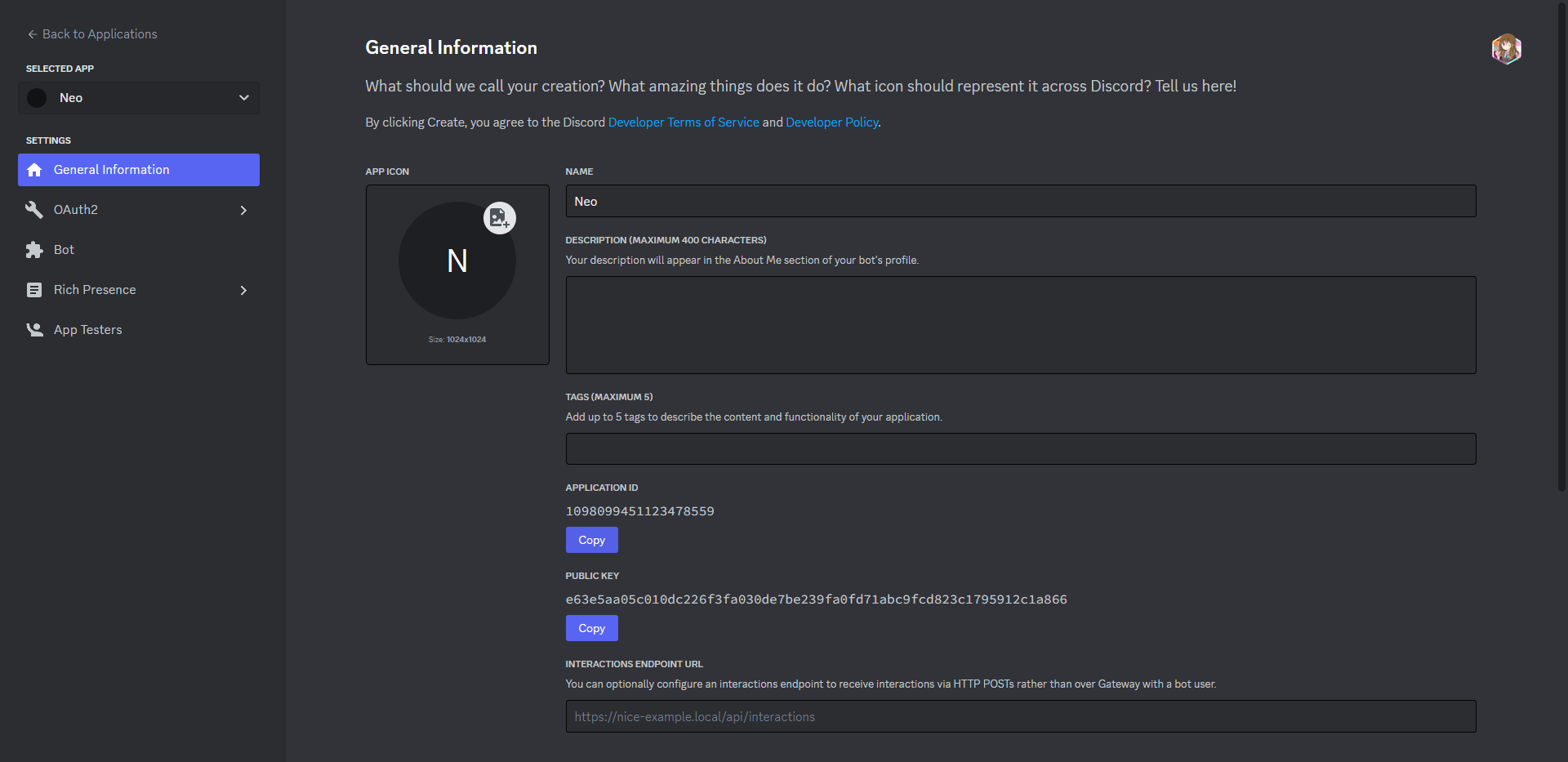
Create a new application at https://discord.com/developers/applications
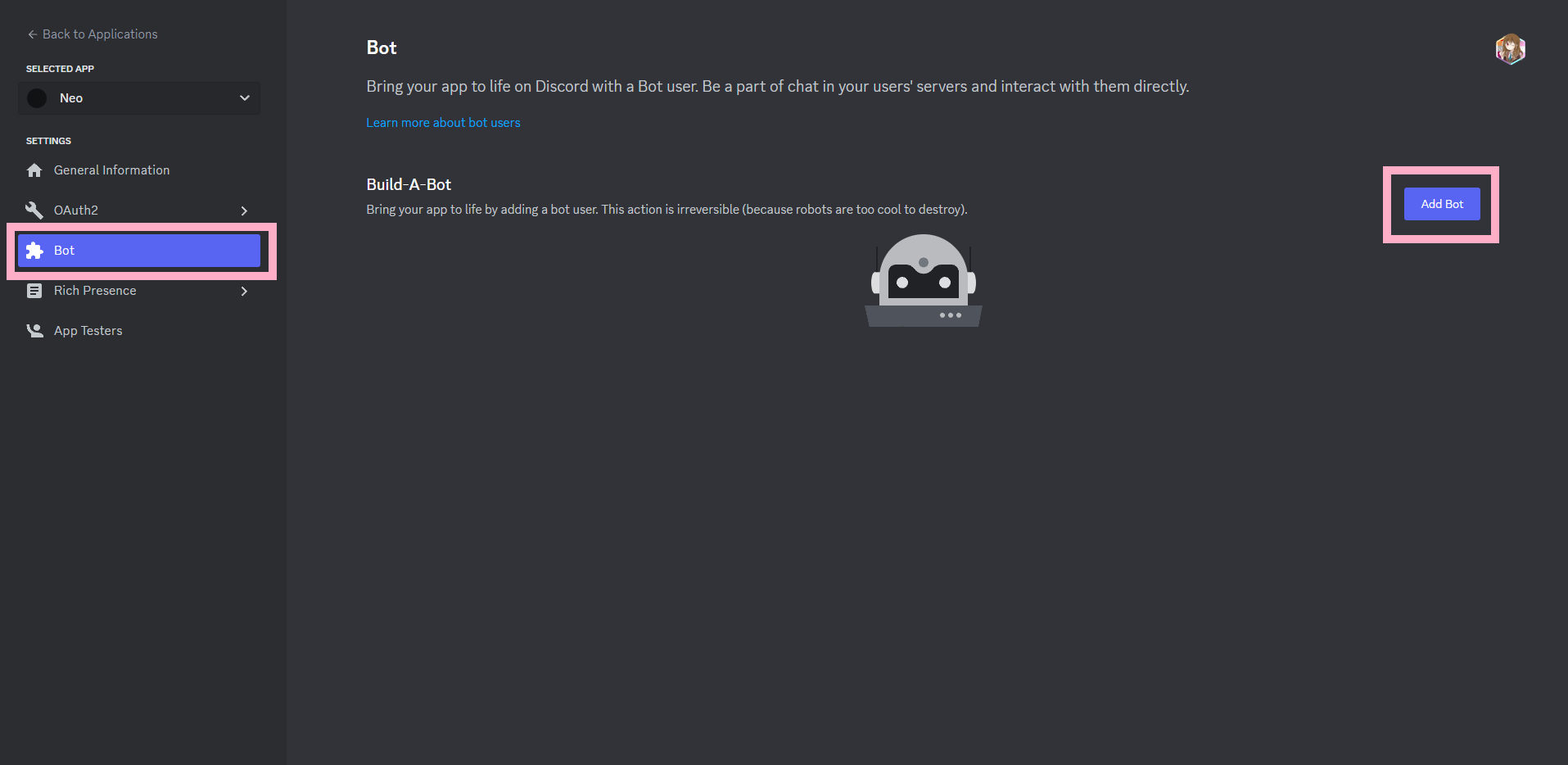
Click on the “Bot” tab and click “Add Bot”
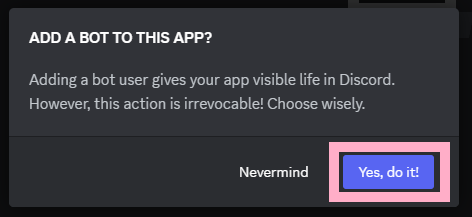
Click “Yes, do it!”. Optionally if you have 2FA enabled, you’ll need to enter in your MFA token.
Ensure that the intents shown in the pink square are enabled.
message_contentintents are required for the bot to function.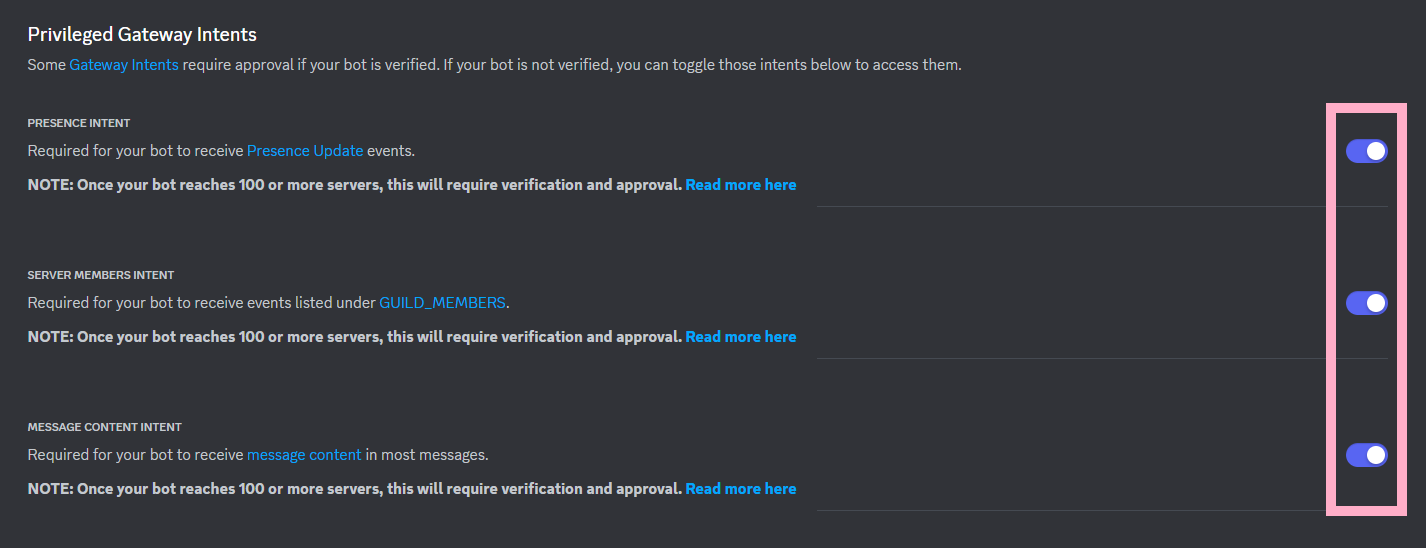
Copy the bot token
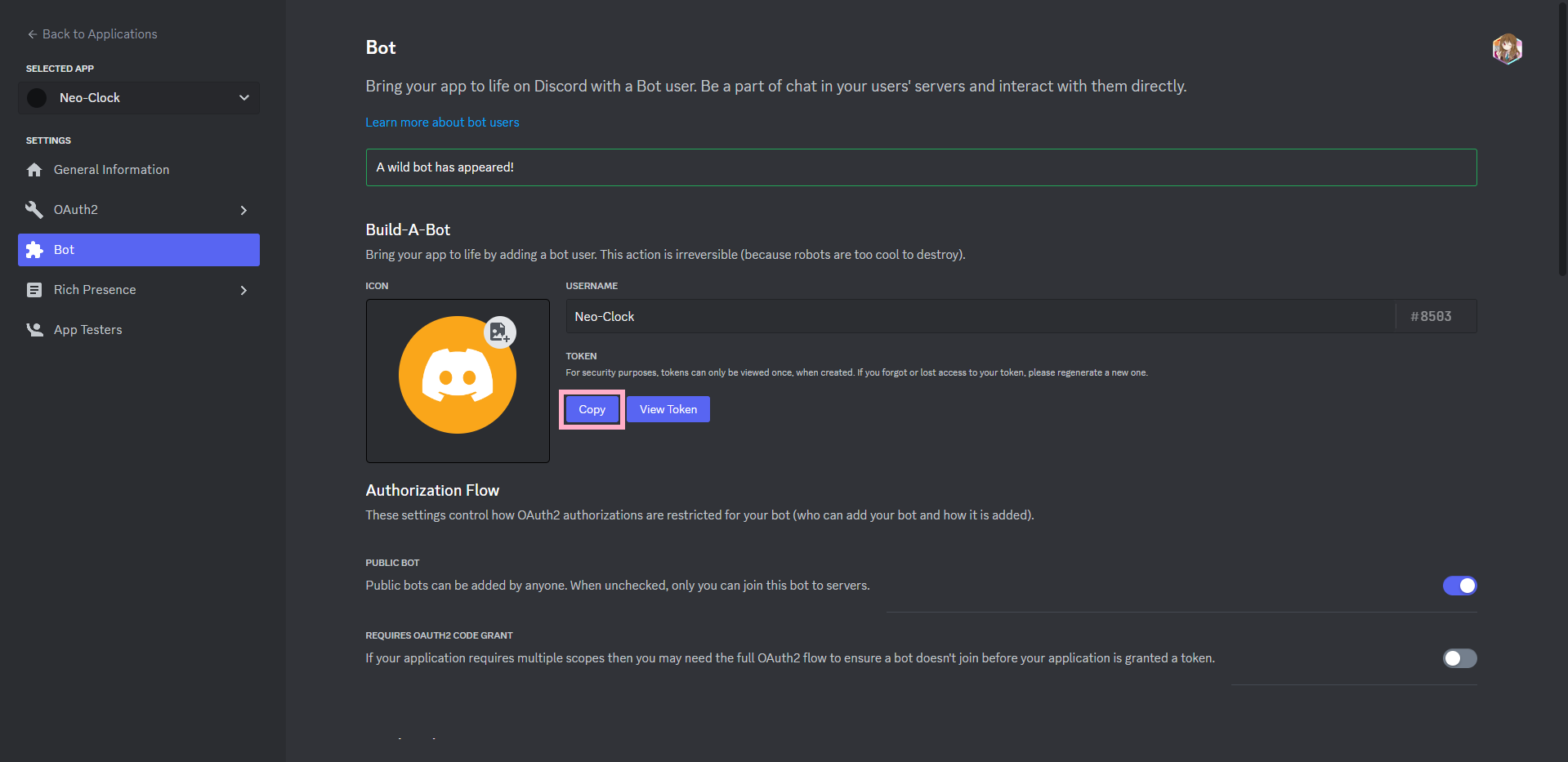
Now paste this token in the
.envfile located inBot/.env. If you are using the Docker image for Kumiko, put it in the.envfile located in the root of the repo.DEV_BOT_TOKEN=YOUR_TOKEN_HERE